Creating a Painted Wood Material in Substance Painter

Contents -
Version 1 (Free Version):
1. 30 mins of narrated video
2. Require resources for the course
Version 1 (Full Version):
1. 30 mins of narrated video
2. Require resources for the course
3. Substance File
4. Smart Material
Due to the limitations on the file size for Free version, I have uploaded a text file with a download link to everything on Google Drive.
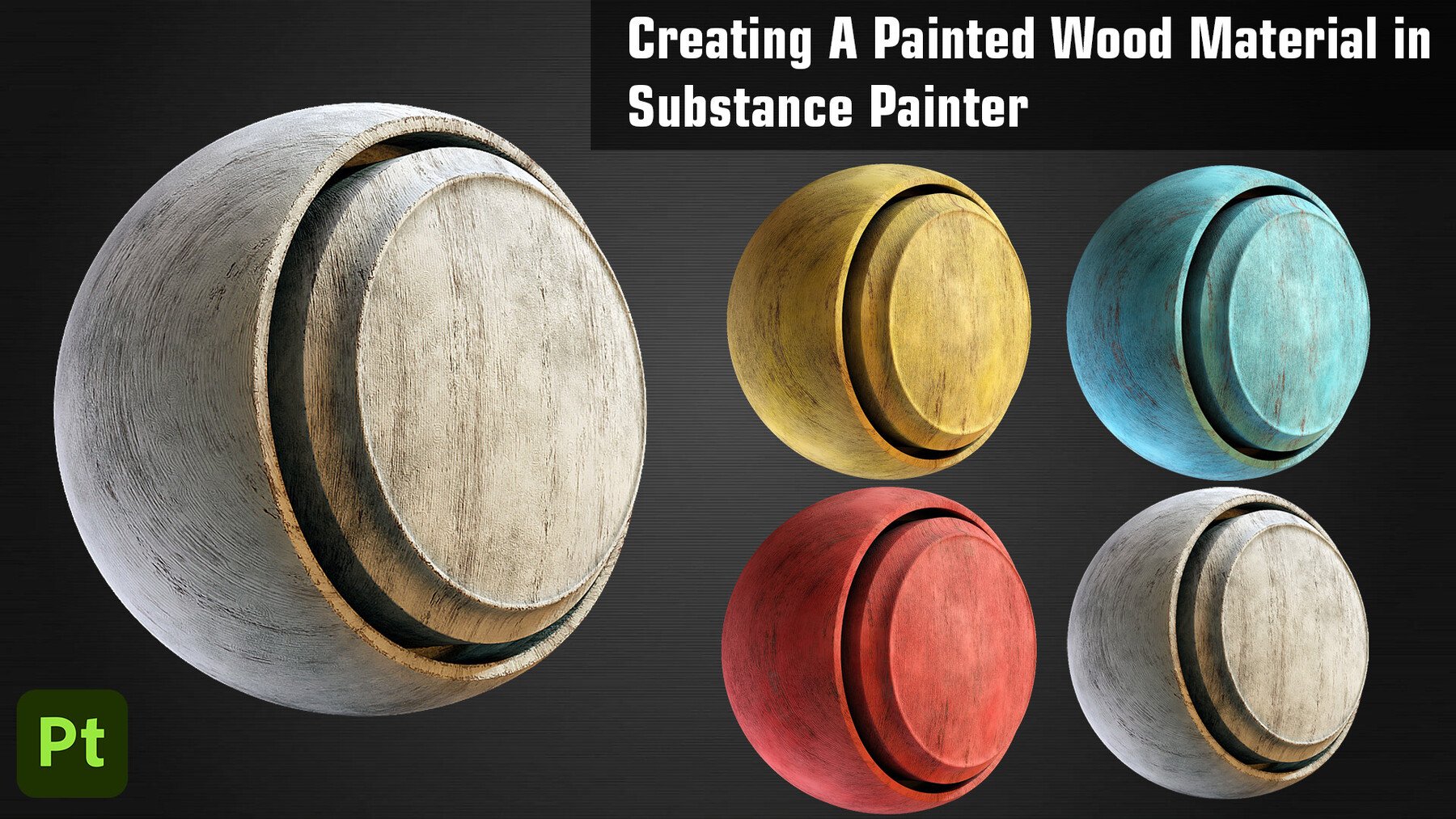
In this tutorial we will go over creating a Painted Wood Material in Substance Painter. We will make use of different features of Substance Painter to create this Smart Material. You can use this material on any your project or model. We will start by adding a Base Layer of Wood and then we will build further upon that adding different layers to make the material more realistic. We will add a Paint Layer and add some scratches and damages to it to give the material a better feel. We will finish the material by adding some Dust layers and Roughness Variation. At last we will learn to create a Smart Material out of all this and then we will try adding this material onto a different model and try to customize the look of it.